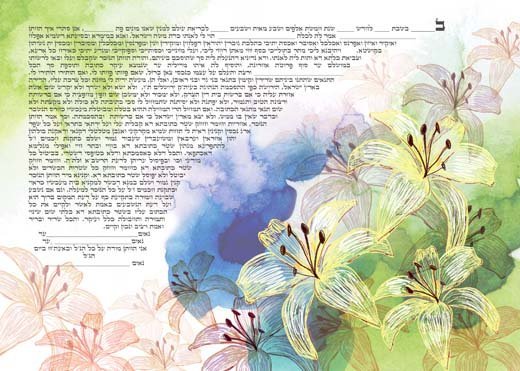
The Ketubah ordering process is simple and clear — from initial selection on the site to receiving the Ketubah at home. Each step is briefly described here.
A
Preliminary Browsing Stage
- Go to the menu and selectKetubah Versions — browse the versions and find one that suits you. (You can adapt a version personally, and there is an option to add personal details.)
- Go toKetubah Gallery in the menu, browse and flip through the designs, click for details and zoom into images.
- When entering a Ketubah, you can mark it so it goes toWishlist — there you can view the chosen list to decide.
B
Product Selection
- Go toKetubah Gallery or Wishlist and click on the product page of the chosen design. Select Ketubah Version and decide whether to add Personal Details.
- Click Add to Cart, go to the shopping cart (top-left) and click Shopping Cart.
C
The Four Steps of the Order
- Cart — review the order details (quantity, personal text, version) and click Continue to Details.
- Details and Shipping — fill in name, phone, email, and choose Shipping Method (Standard / Express / Hand Delivery in Jerusalem).
- Checkout — choose between PayPal (also for credit cards), Bit, or Cash/Bit on delivery.
- Confirmation — receive a unique order number; you can also send the details to David's WhatsApp.
D
After ordering, a payment receipt will be sent to your email.
E
David will prepare a preview file of the Ketubah and send it to you for approval. We will also be in phone contact.
F
After your approval — the Ketubah will be produced and sent in the chosen shipping method to the address you provided in the order form.